Screenshots
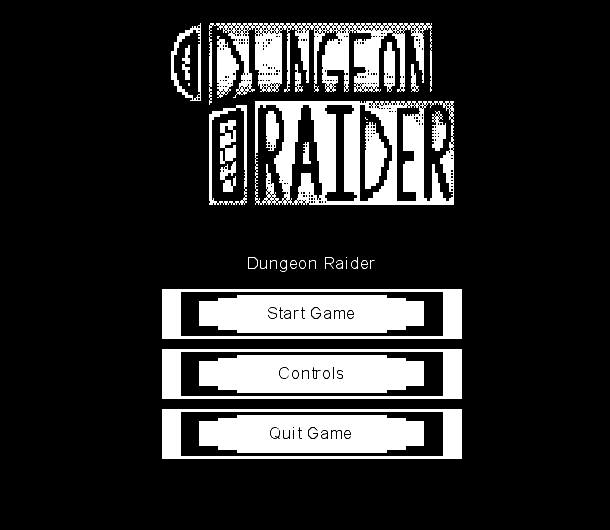
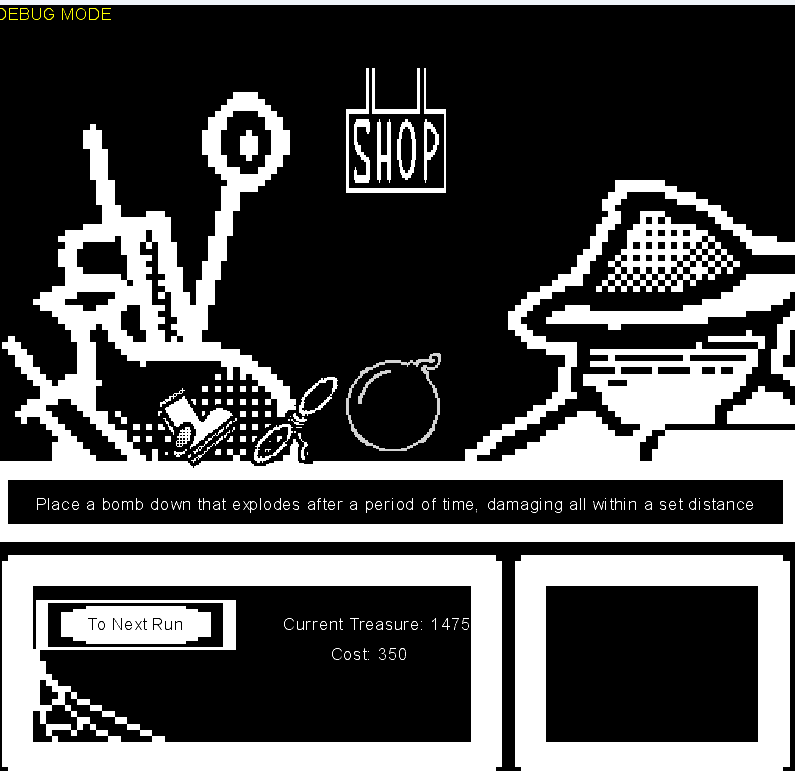
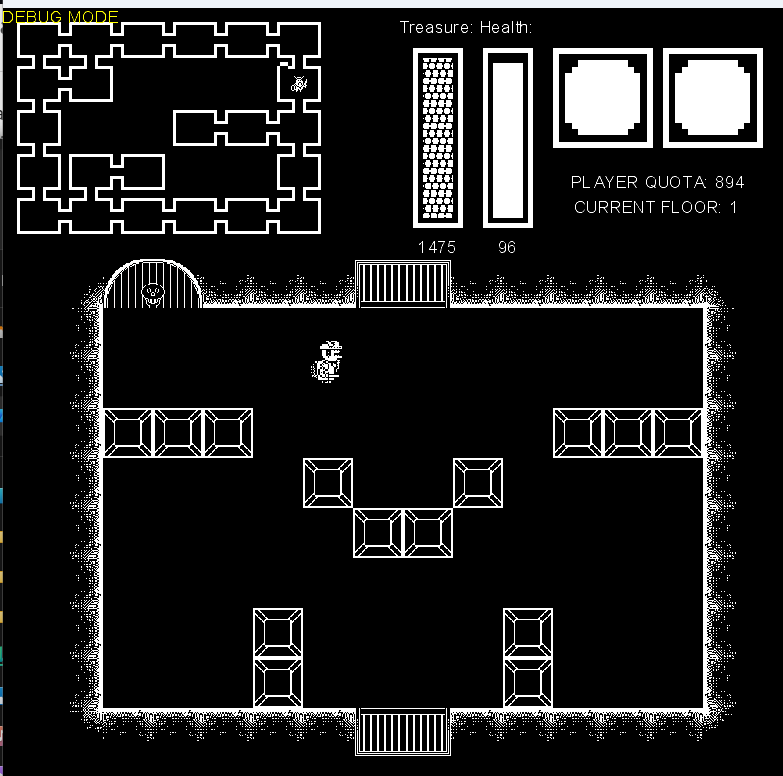
Made over the course of a month with two teammates for the final
project of my IGME 106 class: Problem Solving with Data Structures &
Algorithms
Forced to fulfill a never-ending quota thrust upon you by your late
father's debtors (you should really have your lawyers look into that I
don't think it's legal), you descend into the magical dungeon filled
with foul monsters but also valuable gold.
While you're down there you may encounter a mysterious shop run by a
shadowy figure that may sell you items and abilities in exchange for
some of the loot that you've collected so far...
Led bi-weekly stand ups to discuss how tasks were going and if rescoping was necessary
Led weekly planning meetings to decide tasks for the following sprint and decided on larger goals for the project
Since the Monogame framework does not implicitly come with organizational tools like GameObjects or Scenes. I added many of these objects myself, modelling it after the Unity workflow as it was what we were most comfortable with
Created a system for transitioning between the games multiple
states, those being: The main menu, the actual game state, a
pause menu, the shop menu, and the game over/win menus.
Each game state was completely separate from each other and
would remain persistent across state changes
Implemented all the UI objects used for Menus and overlays, including UI buttons, images, and text.
Designed all the menus in the game using the aformentioned UI objects to communicate information to the player
Included a shop system where the player could spend their generated from previous runs in order to buy upgrades and buffs for their next runs, this included both passive and active items that affected the player in unique ways
Drew and animated the main player character in all 4 cardinal directions and created different animations for moving, standing, and attacking
Designed the tile that outlines every room
Made different icons for each item that were understandable enough for the player to know it's use without having to be explained through text
Illustrated the backdrop for the shop scene, which includes a character as well as space for all the items and their descriptions to be displayed
Created all the UI assets as well as the drawings that appear in each menu, such as the skull when the player dies, the game logo, and the campfire during the pause menu